

Your shopping cart is empty!

5 Practical Tips for Better Raman Detection
Better Raman data in 5 steps. Right substrate, Smart laser ramping, Fluorescence hacks, Precision focusing ,Clean denoising. No luck — just good practice.
Ever been frustrated by background peaks drowning out your sample signal, accidental burning that creates artifact peaks, stubborn fluorescence interference, or noisy data that’s basically unusable?
The truth is, getting accurate Raman results isn't about luck — it’s about mastering the small details in your daily workflow.
No complex operations or extra equipment needed. Just these 5 hands
on tips to help you avoid common pitfalls, improve spectral quality, and get reliable results — even if you're a beginner.
Let’s dive right in. Bookmark this post, and next time you run Raman, you’ll save time and avoid headaches.
1. Choose the right substrate — cut background in half
Prioritize low
background substrates such as CaF₂, quartz, or gold
coated slides. Never use ordinary glass slides.
Before measuring, collect a background spectrum of the blank substrate and subtract it throughout the entire test. This prevents substrate signals from masking weak sample peaks.
2. Laser power: start low, go slow — prevent burning, preserve signal
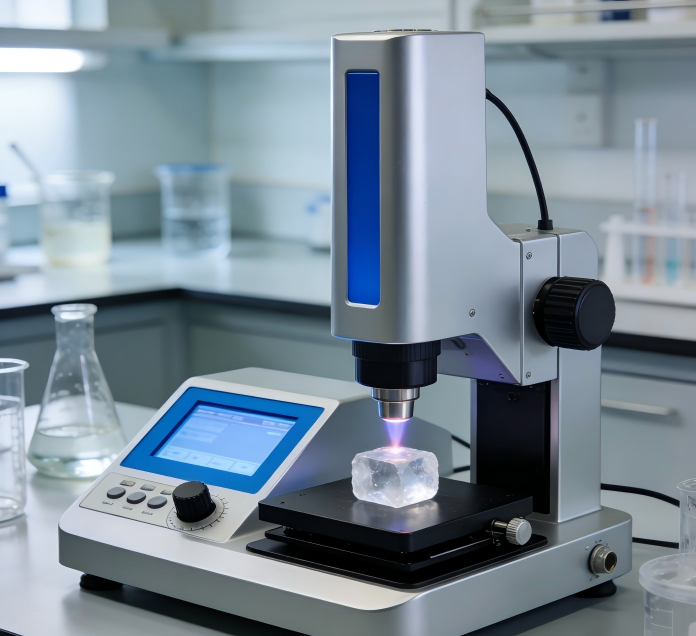
For dark, photosensitive, or thermally sensitive samples, start as low as 0.1 mW and increase gradually. If signal is weak, extend integration time and increase accumulation cycles rather than blindly raising laser power — otherwise thermal decomposition may create artifact peaks. 3. Three quick ways to suppress fluorescence interference
- Switch to longer excitation wavelengths (785 nm or 830 nm) to avoid fluorescence bands.
- Perform photobleaching first: pre
irradiate the sample with low
power laser for a few minutes.
- For data processing, apply polynomial fitting baseline correction to restore true spectral peaks.
4. Focus accurately — avoid container wall interference
For transparent or liquid samples, always focus inside the sample, away from the cuvette or capillary wall.
For powder samples, press into a thick pellet to block underlying substrate signals and improve the signal
to
noise ratio.
5. Data denoising: remove cosmic rays first, then smooth
First, use your software’s multi
scan comparison to remove sharp cosmic ray spikes. Then apply Savitzky
Golay smoothing — it reduces noise while preserving peak shape. Avoid over
smoothing, which distorts FWHM (full width at half maximum). For more information, please contact:Email: optoskyphotonics@gmail.comWeb: www.optosky.net
-100x100.png)
-100x100.png)

Search
Categories
Popular Posts


Latest Posts







Comments: 0
No comments